

Buddies Buzz Blog

In the Buddies Buzz blog, you'll find the latest news about the community, tutorials, helpful resources and much more! React to the news with the emotion stickers and have fun!

What Does an Industrial Engineer Really Do and How Can You Help Other Businesses?

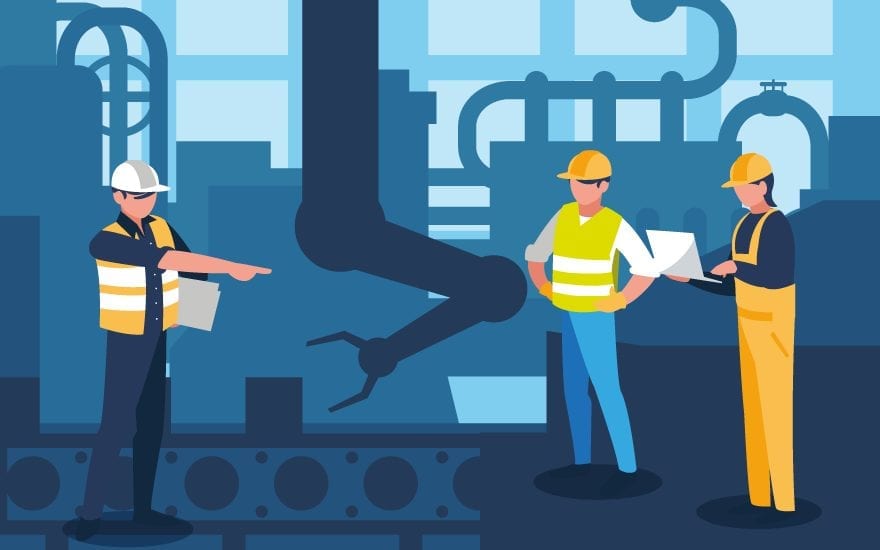
The world of engineering is very diverse and has different specialized branches. One of the best known is industrial engineering. Sure, you know the concept, but are you clear about what an industrial engineer really does? The answer is not easy, since you can develop very diverse responsibilities in a company. In this way, your work will vary depending on the area where you carry out your work. In order to solve your doubts regarding this profession, throughout this article we will explain what it consists of and how it helps other companies to get their work done.

What an Industrial Engineer Really Does

Before detailing what an industrial engineer actually does, it should be noted that the basis is quite clear. And it is that the main function of this professional is to work on continuous improvement projects. This means that it is dedicated to optimizing the resources of each company in order to increase its profits. In short, industrial engineers are in charge of supervising industrial processes taking into account all the factors that intervene in it. These include human resources, product transportation, the production chain, and energy consumption, among others.

Main tasks of an industrial engineer

There are many tasks that an industrial engineer can perform and this is due to his versatility, which allows him to get involved in a myriad of activities that he can develop in a professional way. Now, in this section, we will specify their most important tasks to publicize this profession and understand why it is essential in a company.

First, an industrial engineer evaluates the most efficient way to manufacture products and provide services. This results in significant savings on the part of companies, which will see how, by better managing their operation, their profits grow.

On the other hand, it studies and reviews production schedules, technical specifications and process flows, among other data. The goal is to understand the manufacturing methods and activities. Once this point is made, the professional can offer those changes that he deems appropriate so that the profitability in each process increases.

Other important functions

As we have just seen, the industrial engineer achieves a better operation of the industry, since he minimizes costs and increases the efficiency of each sector. But to all the above is added, in addition, working together with the client and the management team to develop design and production standards. They also meet with customers to establish product specifications and with vendors to coordinate purchases. We cannot forget about meetings with the management team to determine production capacity and with the rest of the staff to update the status of the project.

Likewise, another of its functions is to design control systems to coordinate the planning of activities. Only then can you ensure that both products and services meet quality standards.

At our manufacturing unit we work every day to offer the best of our services from a human team that boasts many years of experience. In addition, it is specialized in each area of ​​the company, such as management, workshop, administration, quality and prevention of occupational hazards.

Within the automotive industry, we are manufacturers and installers of all types of industrial machinery for the main partners in the automotive sector. Likewise, regarding the agri-food sector, we are experts in handling and work systems in the poultry sector. We are also dedicated to the integration of automated systems for the fruit and vegetable sector. Likewise, within the metallurgical sector, our team is a specialist in the construction of mechanically-welded structures for SMED systems and special machines. Of course, we also work on supporting structures for elevated installations.

Stalwart – One of the best Pressure vessel manufacturer in Bengaluru.


Best Snow Shovel Or blower for the job

Do you live where it snows? Ever given any thought to buying a snowblower? On the other hand, are you just getting tired of shoveling snow when it snows? These may be a few questions some of you may have. Let’s look at some different things to consider when thinking of the best electric snow shovel or snow blower.

The area that you have to clear and the number of normal snowfalls that you get would be the first thing to consider. Then you will have to look at the type of surface that you will be clearing off. How much room do you have to navigate around in, should be looked at also. This is most important with small areas to clean.

If you have a hundred-foot-long and twenty-foot wide driveway, you will not want to get a small electric snow broom or shovel. Now if you only get a few inches of snow at a time and would be very good at going out and clearing it, you can get away with a medium-sized machine. At one hundred feet long you really would want to go with a gas-powered machine too.

However, let’s take a closer look at the different options you can get on an electric snow shovel or full-blown snowblower.

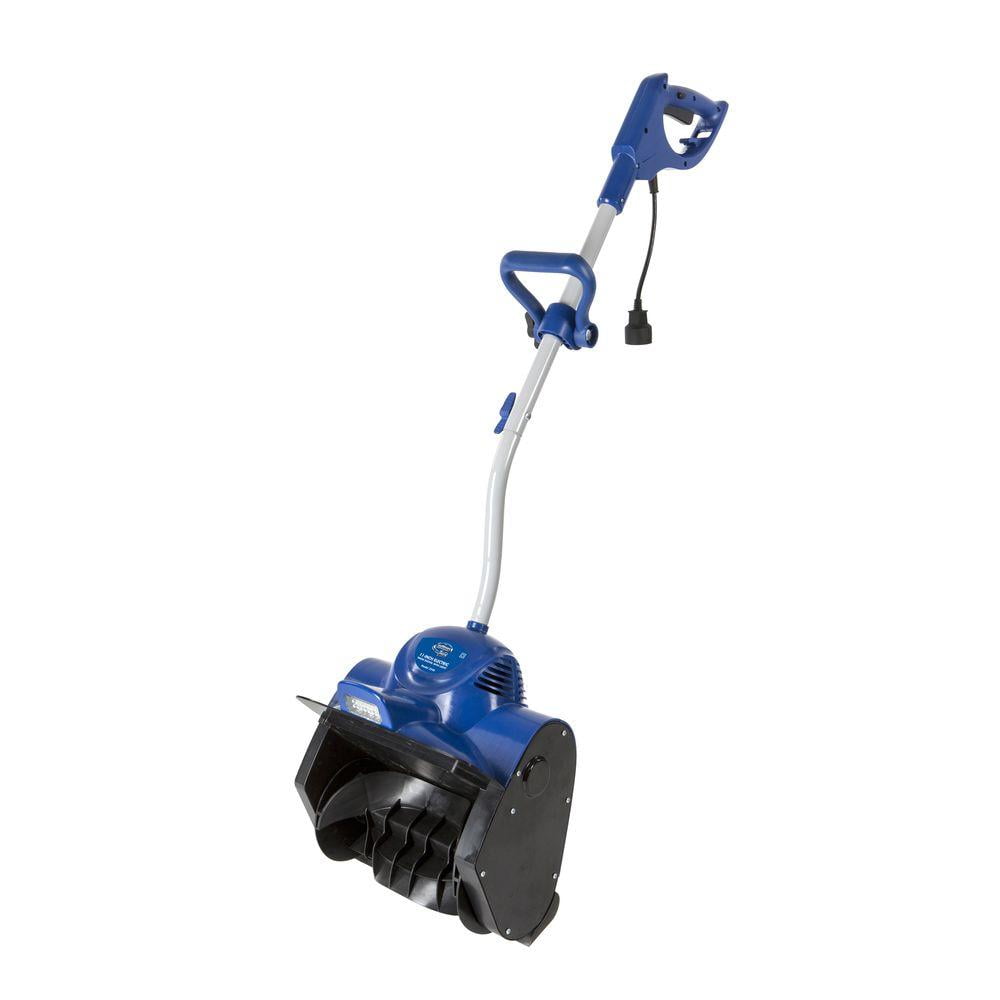
The electric snow shovels are good at getting in tight places like steps and open porches. However, they will only throw snow straight out the front. You can use them also for clearing short runs of sidewalks and very small driveways. They will not clear down to the surface because they use plastic snow paddles to throw the snow. However, they will not leave very much behind.

Small to medium-sized snow blowers are good for smaller driveways and sidewalks. These generally have rubber augers that will run right on the surface that you are cleaning. So you have to have a finished surface like concrete or blacktop one.

Some machines will have movable chutes and some will be fixed to throw the snow straight out the front. This determines what direction the snow is thrown out of the machines.

If you use one of these types of machines on a small gravel driveway, you will throw a lot of gravel. This will make the blower harder to go through the snow too because the auger on the surface is what pulls the snowblower along. Plus the gravel will wear out your auger faster than a smooth hard surface.

These can come powered by electricity or gasoline. With electric powdered machines, you will have less maintenance but will have an electric cord to not run over. Gasoline-powered, on the other hand, will be a heavier machine and require more maintenance. However, it gives you more freedom.

With a gas-powered machine, you will have more freedom and usually more power.  You will want to get a 4-stroke engine when looking at a gas-powered engine. This way you will not have the hassle of mixing your gas with oil like on a 2-stroke engine. If you get this wrong, not enough oil, you can burn your engine up, and it will not be covered by the warranty.

Medium to large snow blowers is the ones to look at if you have a large area and gravel drive to clear. They will also move the most snow. They will also move wet heavy snow where the smaller ones generally will not.

The wheels on these machines are driven, usually with several different speeds forward and in reverse. Most large snow blowers come with an electric starter for the gasoline-powered engine on them. You plug them into a 110-volt house outlet and start your engine, then you unplug them and go.

Large snow blowers are what are known as 2 stage snow blowers. They have a large slower turning auger in the front that moves the snow back to a second blade. The second blade throws the snow out of the machine further than the single-stage machines.

These large snow blowers have the most maintenance, but they also do the most work than the smaller ones do. And you will not be able to hang one of these up on the wall for summertime like the little electric snow shovels.

How to Fix PS4 Keeps Crashing

PS4 Keeps Crashing

Why PS4 Keeps Crashing

Recently, plenty of PS4 gamers complain that PS4 keeps crashing during the gameplay or startup. This issue is a great obstacle to obtaining a smooth game experience. What’s more, if PS4 keeps crashing, your PS4 console can be damaged. Hence, it is vital to fix the PS4 crashing issue as soon as possible.

To fix the PS4 crash error successfully, you’d better find out the possible reasons for it. After that, you can carry out the corresponding actions. After learning lots of materials, I find some reasons. I would summarize them as follows!

  • Overheating
  • Software glitch
  • Dirty or readable disc
  • Faulty hard drive (HDD/SSD)
  • Poor Internet connection
  • Outdated software and game version

Fix 1: Restart PS4 Console

When PS4 keeps crashing, you can try performing a restart. Issues like software glitches and minor connection errors can be resolved through this method. It is very easy to operate. You just need to press the Power button on the front of the console. It takes a few seconds to turn off the console totally.

Tip: If the console doesn’t respond, you can unplug it from the wall outlet or power strip and wait about one minute. Then plug the power cable back and turn on the console. 

After waiting for some time, press and hold the Power button until you hear two beeps. Then check if the PS4 crashing issue is solved.


Fix 2: Clean up Game Disc

If PS4 keeps crashing or rebooting after you insert the game disc, there’s likely something wrong with the disc. It is because a dirty, scratched, or cracked game disc can result in a PS4 crash error. Therefore, you should check if your game disc when encountering a PS4 crashing issue.

Tip: While PS4 can read slightly scratched discs, you should try your best to avoid using such discs. A cracked game disk might do harm to your optical drive.

Eject your game disc from the PS4 console and then check it. Firstly, you should check if there are obvious scratches and damages on the disc. Then you can see if it is covered with dirt. If so, you should wipe the surface of the disc with a clean and soft cloth.

Now, you can insert the disc into the console. Turn on the console and run it to see if PS4 keeps crashing.

Fix 3: Troubleshoot Hardware Issues

Hardware issues like overheating, improper connected cables and ports, and faulty hard drives can also cause PS4 crash errors. Given that fact, you should troubleshoot potential hardware issues with your PS4. What should I do? Well, here are 3 actions you should take.

  • Cool down PS4 console: Lay PS4 console in a place with abundant airflow so that the console has a better air circulation. In addition, you should regularly clean the dust on the console to help it work properly.
  • Check the connection of all the cables and ports: You need to check if cables are loose and PS4 ports are plugged incorrectly.
  • Check hard drive for errors: Issues like bad sector, bit rot, and file system errors can also lead to PS4 crashing.

Fix 4: Update Game and Software

PS4 may keep crashing due to outdated firmware. Hence, one of the PS4 crashing fixes is installing the latest PS4 firmware. Here are detailed steps for doing that.

Step 1: Connect your PS4 console to the Internet and navigate to PS4 Settings > System Software Update.

PS4 Keeps Crashing

Step 2: If there are any available updates, click Update.

Tip: If you see the “The latest version of the system software is already installed” message, skip the steps below.

Step 3: Wait for the finish of the downloading. After the downloading process ends, move to Notifications > Downloads. Click on the newly-downloaded PS4 firmware and then follow the pop-up instruction to finish the operation.

Step 4: Now, open and play the game to see if PS4 works normally.

Fix 5: Restore Software to Default

Last but not least, you can restore software to default to fix the PS4 crashing issue. Here’s what to do.

Step 1: Press the Power button to turn off the console.

Tip: To make sure that the operation succeeds, you are recommended to unplug the power cable after turning off the console.

Step 2: Wait for about 1 minute and plug back the power cable. Then press and hold the Power button until you hear two beeps.

Step 3: Connect the DualShock controller to the console via a USB cable and press on the PS button.

Step 4: After entering the Safe Mode, choose the Restore Default Settings option. Then follow the elevated instruction to finish the operation.

PS4 Keeps Crashing

To sum up, this post illustrates you 5 PS4 crashing fixes. If your PS4 keeps crashing, you can try them to fix it.