
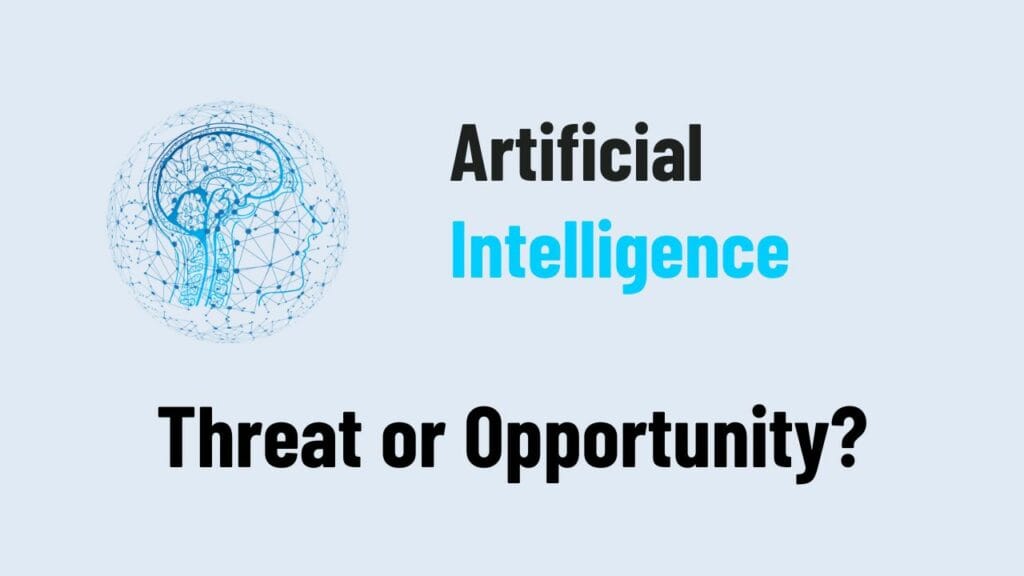
Is it the end of human creativity, or the beginning of something greater?
We are standing at a crossroads.
Every day, AI becomes smarter, faster, and more creative. It writes stories, paints pictures, composes music, and even thinks up new ideas. For many, this sparks fear.
Will machines replace us?
Will human creativity lose its meaning?
These are real, honest questions.
And they deserve real, honest answers.
The Fear We All Feel
It’s natural to be scared.
When we see AI doing things we once thought only humans could do, it shakes us.
It makes us wonder:
- Am I still needed?
- Will my ideas matter?
- Will I be forgotten?
This fear is not weakness.
It’s a sign of how much we care about our own creative spirit.
And that spirit is something no machine can truly copy.
A New Kind of Partner
What if AI isn’t here to replace us, but to work with us?
What if it’s a tool — like a paintbrush, a camera, or a musical instrument — that helps us reach new heights we could never reach alone?
Think about it:
- Writers can explore deeper stories.
- Artists can imagine worlds no one has seen.
- Musicians can blend sounds in ways never heard before.
- Entrepreneurs can dream up businesses that change lives.
AI can expand our creativity, not erase it.
It’s not about machines vs. humans.
It’s about machines with humans — building, dreaming, and creating together.
The Power of Human Heart
No matter how smart AI gets, it can’t feel.
It can’t love.
It can’t dream the way you dream.
It can’t know the weight of heartbreak or the fire of hope.
It can mimic emotions, but it cannot live them.
Your story matters. Your voice matters.
AI can only be powerful when guided by real human emotion.
The art, the music, the ideas that move the world — they will always need a human heart.
A Future We Choose
The truth is:
The future of creativity is not being written by AI.
It’s being written by us.
We choose how we use these new tools.
We choose whether we let fear paralyze us or let curiosity push us forward.
Imagine a world where:
- AI handles the boring, repetitive tasks.
- Humans focus on passion, beauty, and bold ideas.
- Creative dreams grow bigger, faster, stronger.
That’s not a nightmare.
That’s a new golden age of creativity.
Final Thoughts: A Call to Dream Bigger
AI is not the end.
It’s an invitation.
An invitation to dream bigger.
To work smarter.
To create more bravely than ever before.
Don’t fear the future.
Shape it. Own it. Lead it.
Your creativity is not under threat.
It’s about to soar.